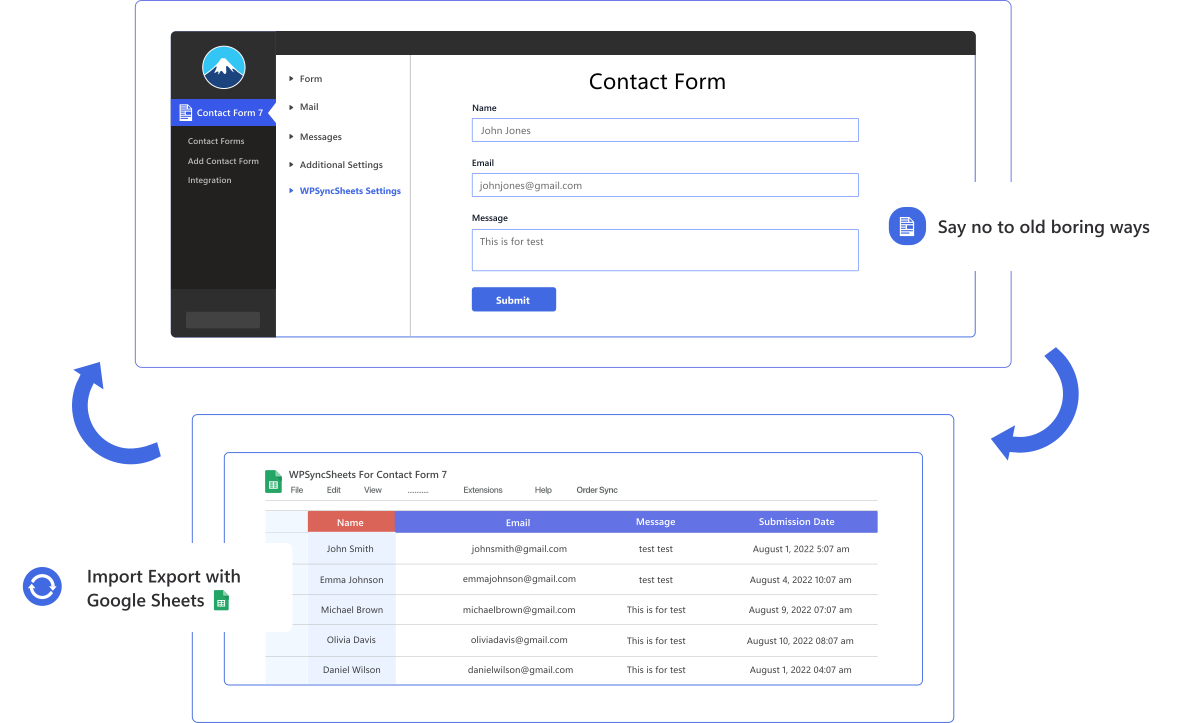
Seamlessly connect Contact Form 7 submissions with Google Sheets and Database to create a smarter, more efficient data workflow. Automatically capture every submission in real time, keep your responses perfectly organized, and turn form data into valuable insights that drive better business decisions. Save time, boost productivity, and manage your leads and inquiries with confidence and ease.
Seamlessly export Contact Form 7 entries to Google Sheets with real-time syncing, customizable sheets, and instant data management from your WordPress dashboard. Stay organized, reduce manual work, and turn every submission into actionable insights that drive smarter business decisions.
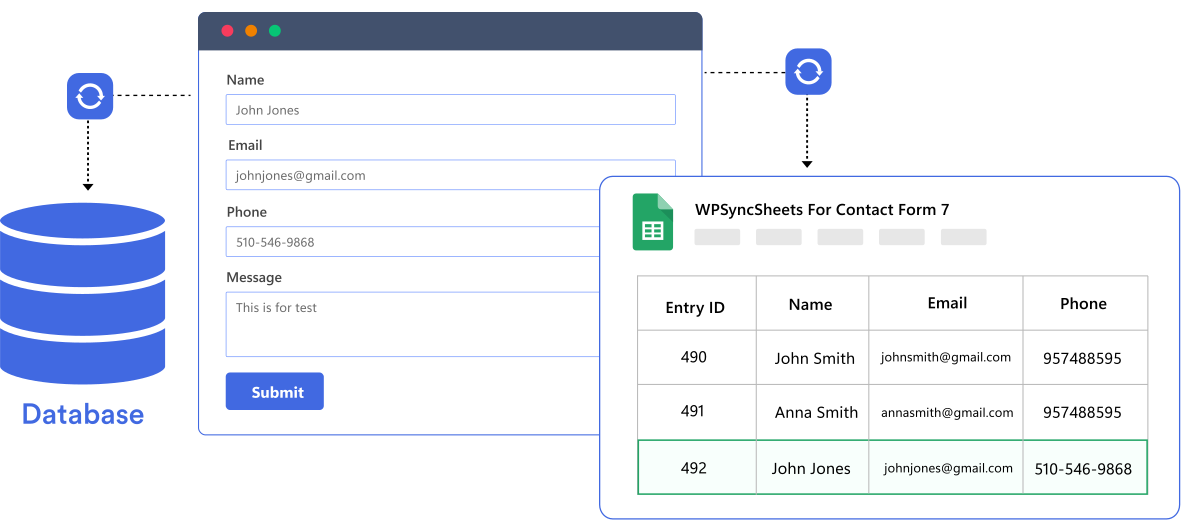
A beginner-friendly and no-code plugin for exporting Contact Form 7 submissions.

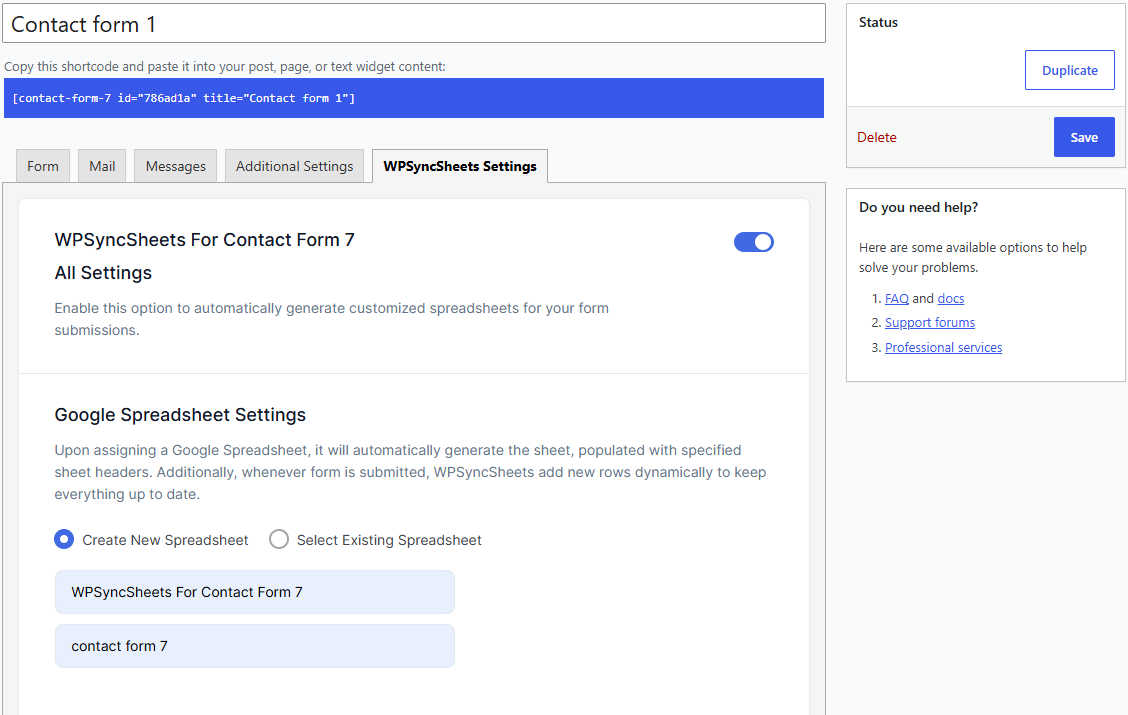
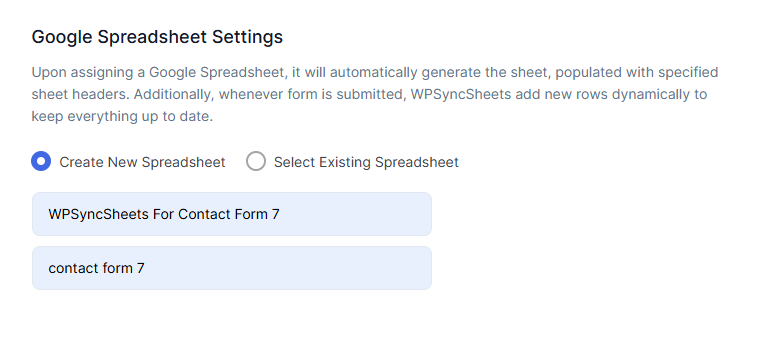
Effortlessly create and customize an unlimited number of new data sheets, streamlining your workflow with just a few quick clicks.

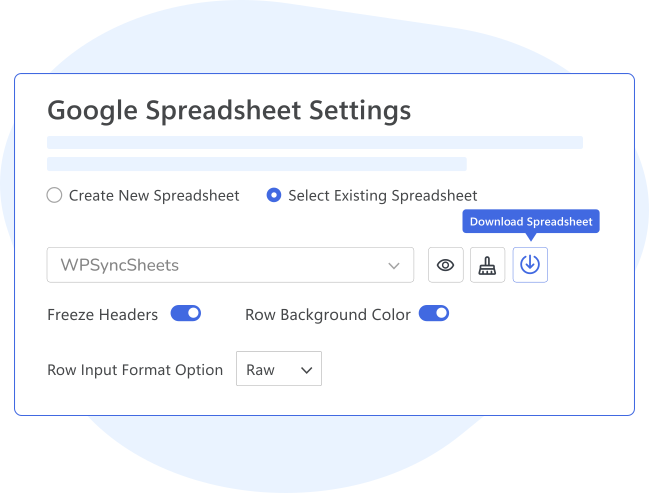
Get all options in one place. View, Clear, and Download your Google Spreadsheet with a single click from the plugin’s settings page.

For forms with payment fields, sync entries to Google Sheets only after payment approval, ensuring accurate and up-to-date financial data.

The plugin includes special mail tags for form submissions : [_remote_ip],[_user_agent],[_url],[_date],[_time].

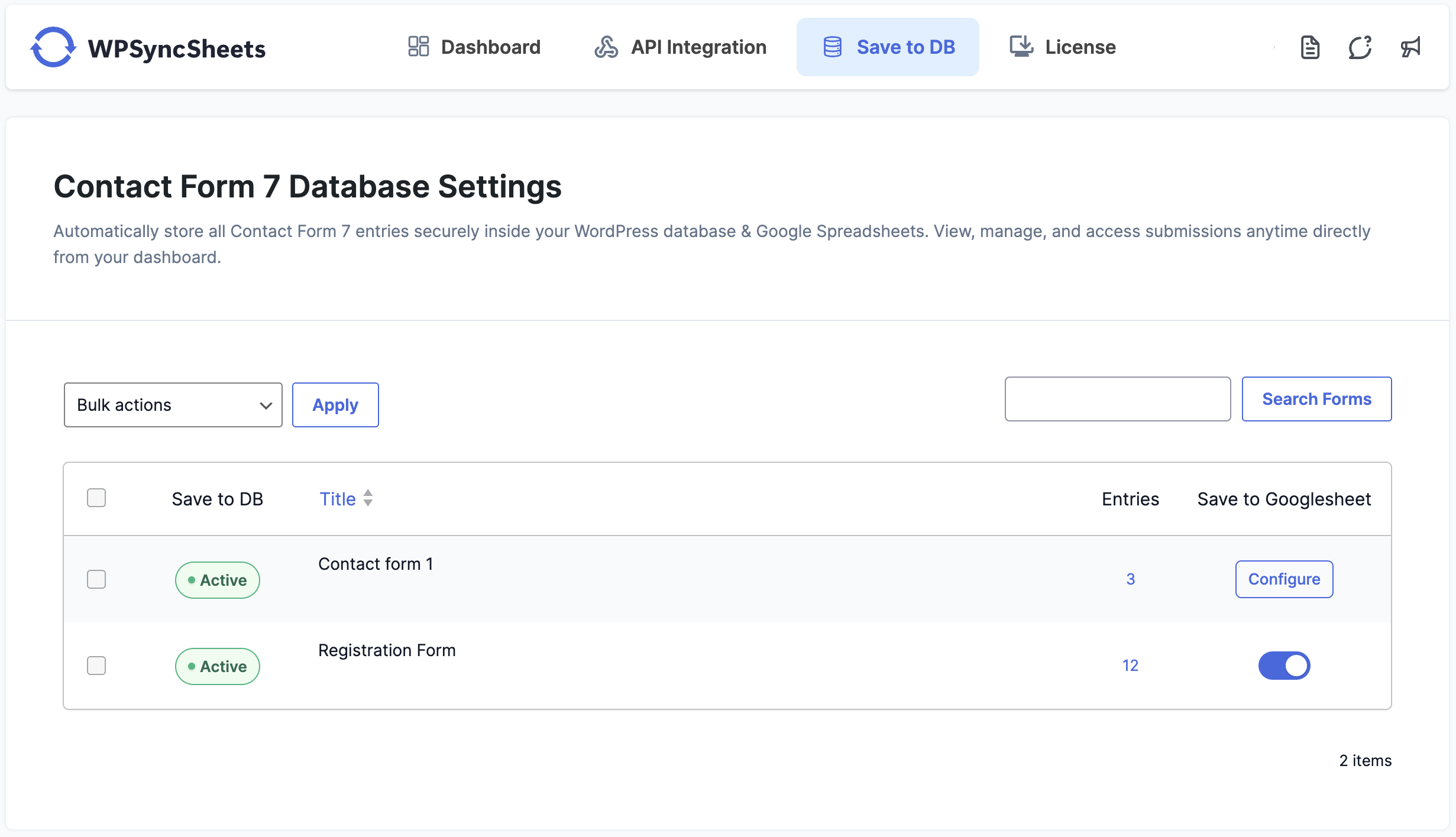
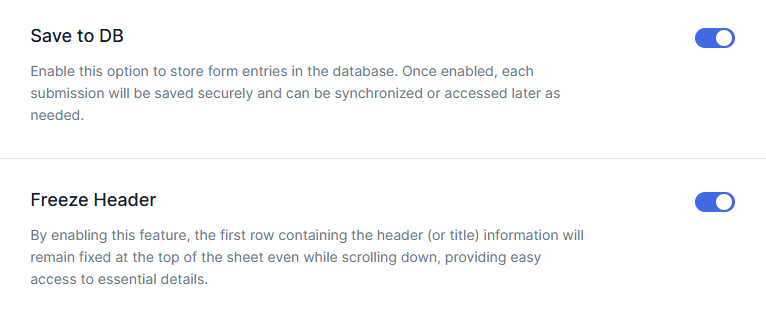
Easily save Contact Form 7 submissions to your WordPress database. Access, manage, and export entries anytime — no additional plugins required.

Automatically adds a column displaying form submission timestamps, enhancing data tracking and analysis capabilities for better entry management.

Automatically send every Contact Form 7 submission to Google Sheets the moment it’s submitted. No delays, no manual exports — your data is always fresh, accurate, and ready to use.

Connect multiple Contact Form 7 forms to different Google Sheets or sub-sheets. Keep leads, inquiries, and form data neatly organized for easy tracking, filtering, and analysis.

WPSyncSheets For Contact Form 7 works straight out of the box. Its user-friendly interface requires no coding, no complex configuration, and no technical skills required.
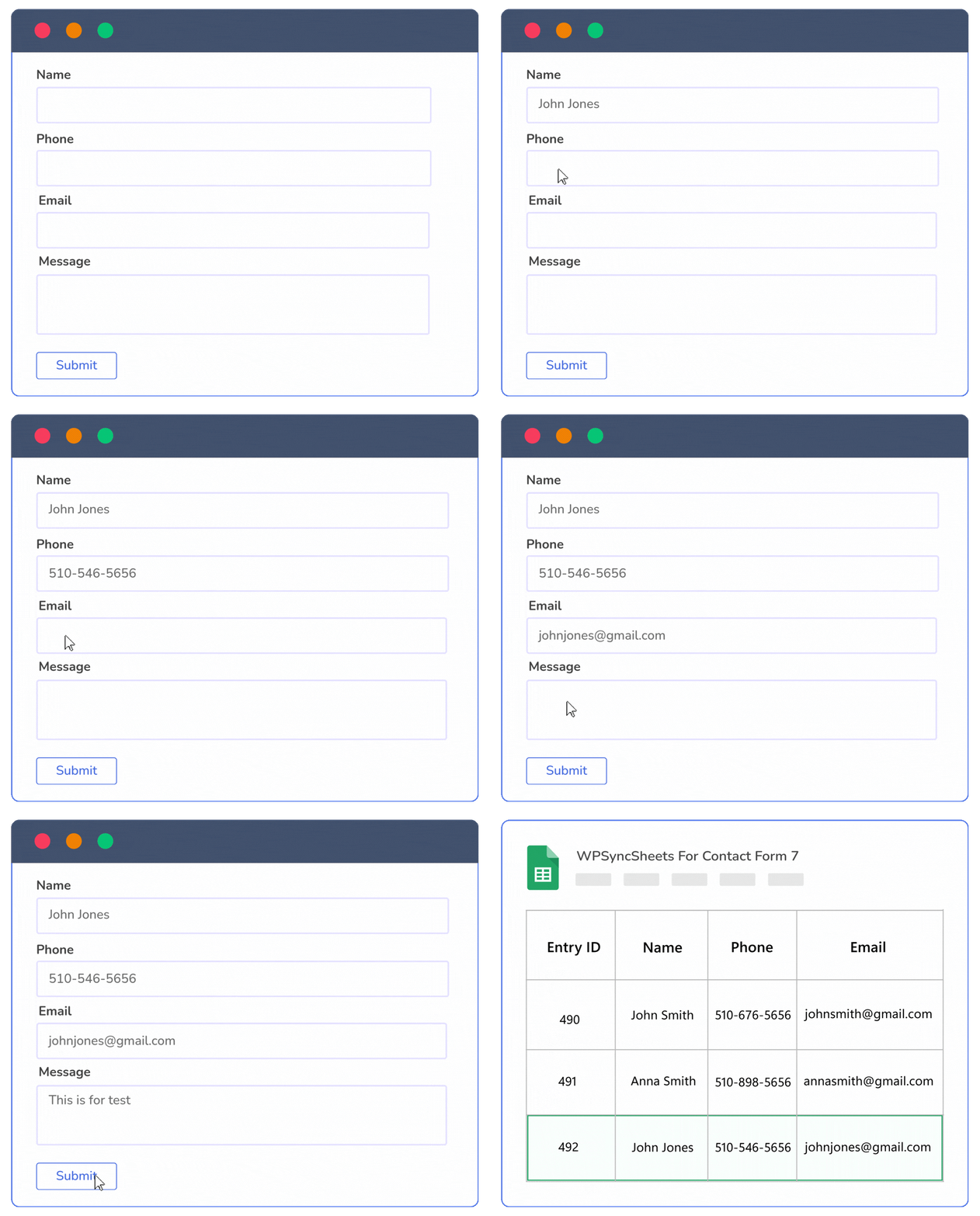
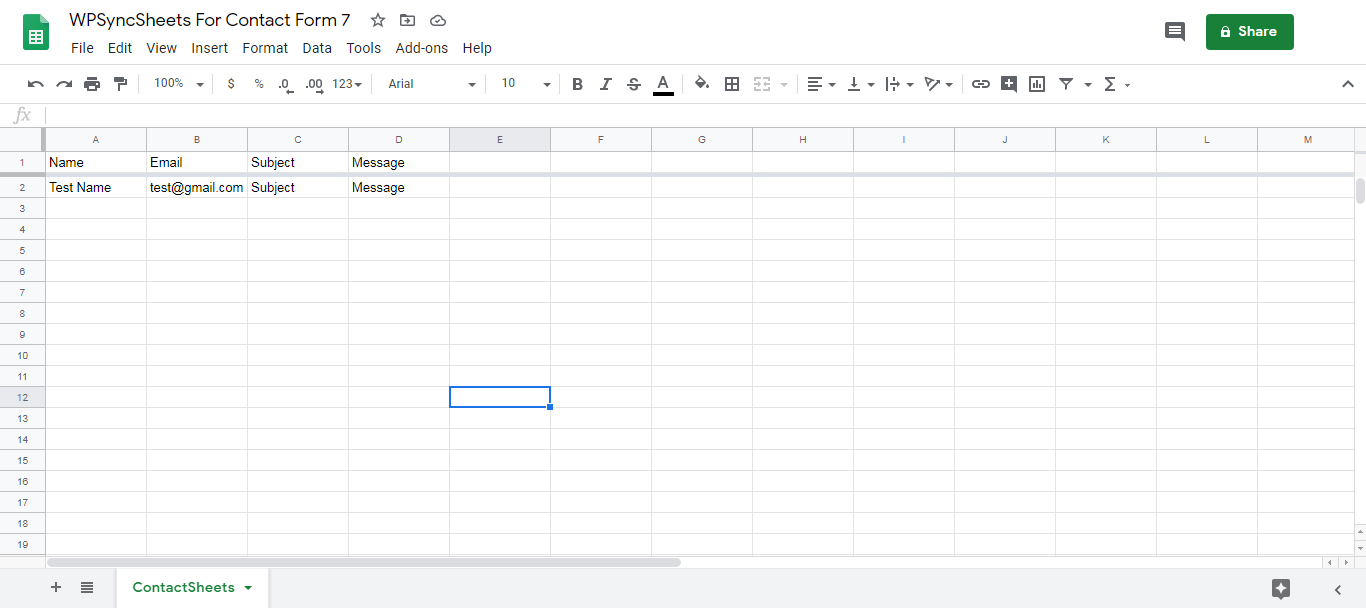
Easily export Contact Form 7 submissions to Google Sheets in real time. Create your spreadsheet once, and every new submission is automatically synced without manual work.
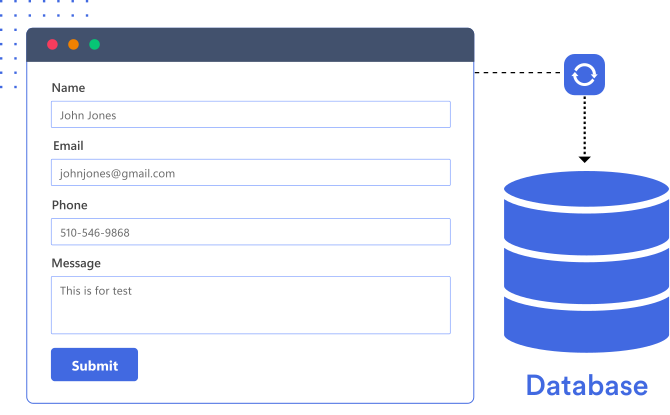
Save Contact Form 7 submissions directly in your WordPress database with a clean, powerful interface. Manage, search, export, and sync entries seamlessly — all in one solution.
Trusted by 200,000+ store owners to simplify daily Contact Form 7 export tasks.
Buy Plugin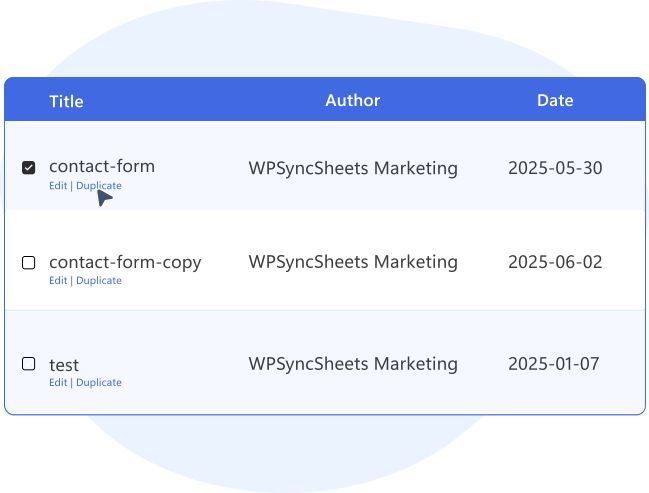
Easily duplicate Contact Form 7 forms and manage multiple versions with separate entry tracking. Assign each duplicate to its own Google Sheet, ensuring submissions are automatically sent to the correct location.
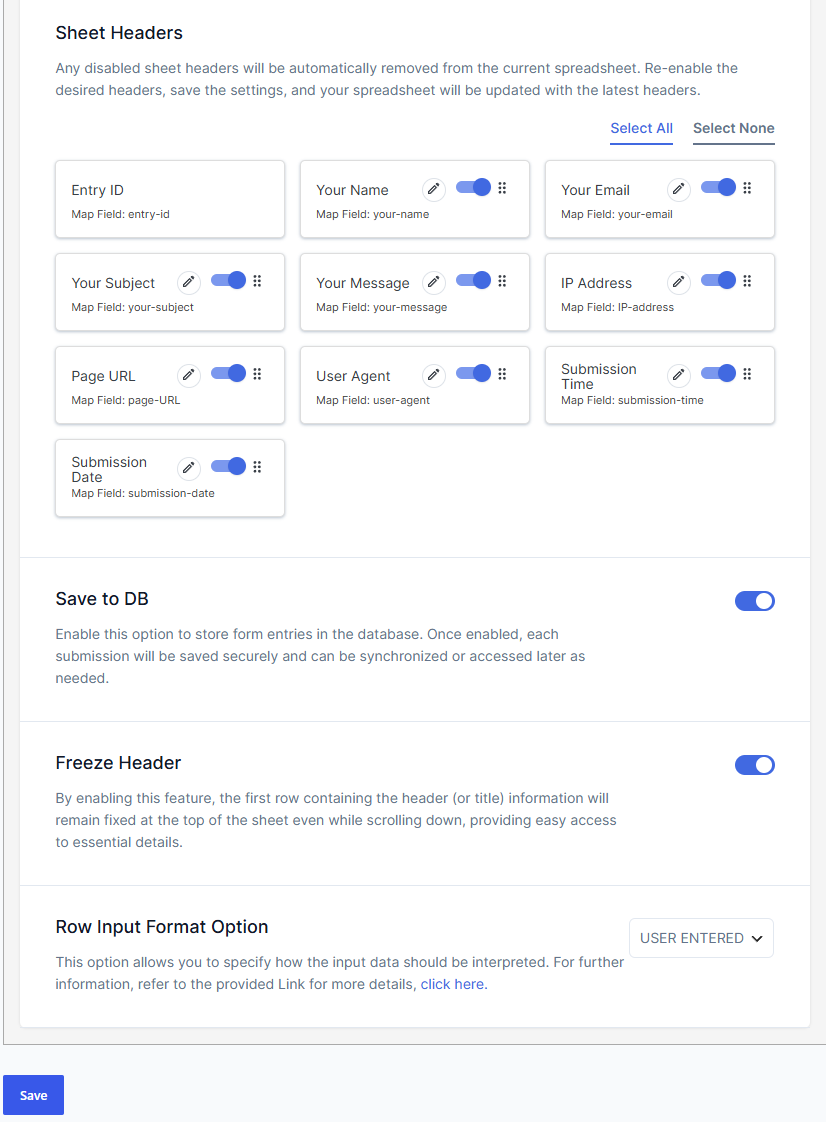
WPSyncSheets gives you powerful controls to customize how your Google Sheets are created, formatted, and styled. Manage layouts, improve readability, and ensure every submission is organized exactly the way you need it.
 Top Rated 5/5 in 900+ reviews
I had some trouble with the plugin at first but the customer service was fantastic and it’s working great now. Thank you so much for all your help and for making a great product!

Web & Graphic Designer
The plugin works great if you follow the well-documented instructions! In 10 minutes, it was set up and running perfectly. I had a specific issue with the plugin and the support has been excellent.

Co-Founder
WPSyncSheets Team was awesome, They have a lot of patient, They answered all my questions, They even went live with me to explain. GRATE SUPPORT AND FUNCTIONABILITY!

Web Developer


If our plugin doesn’t work as promised, you’re backed by our 14-day refund policy to request your money back.
Read about our policy here.
Compare the features to find the best option for your website.
General Features
Free
Pro
Automatically Create New Google Spreadsheet
Automatcailly Create New Google Sheets
Download Excel & CSV
Automatically Clear Google Spreadsheet
Freeze Headers (First Row of the Google Spreadsheet)
Automatic Field Mapping
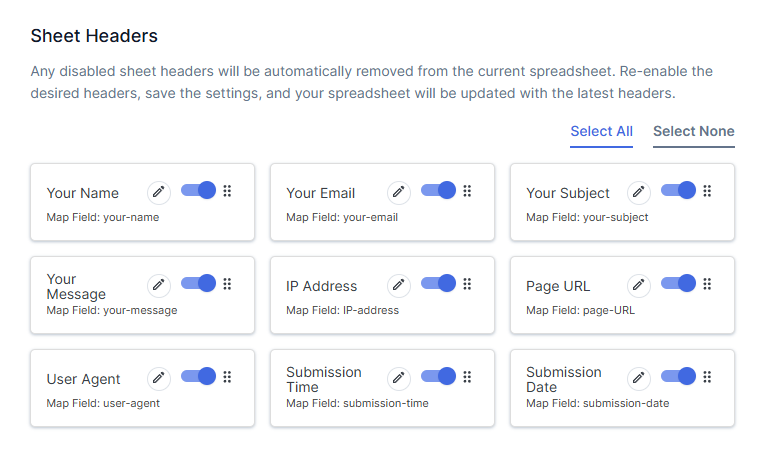
Enable/Disable Sheet Headers
Support Multiple Forms to Sheets
Submission Date & Time
Reorder Sheet Headers (Spreadsheet Columns)
Update Sheet Headers Name (Spreadsheet Columns)
Row Input Format Option
There are following ways to resolved this error:
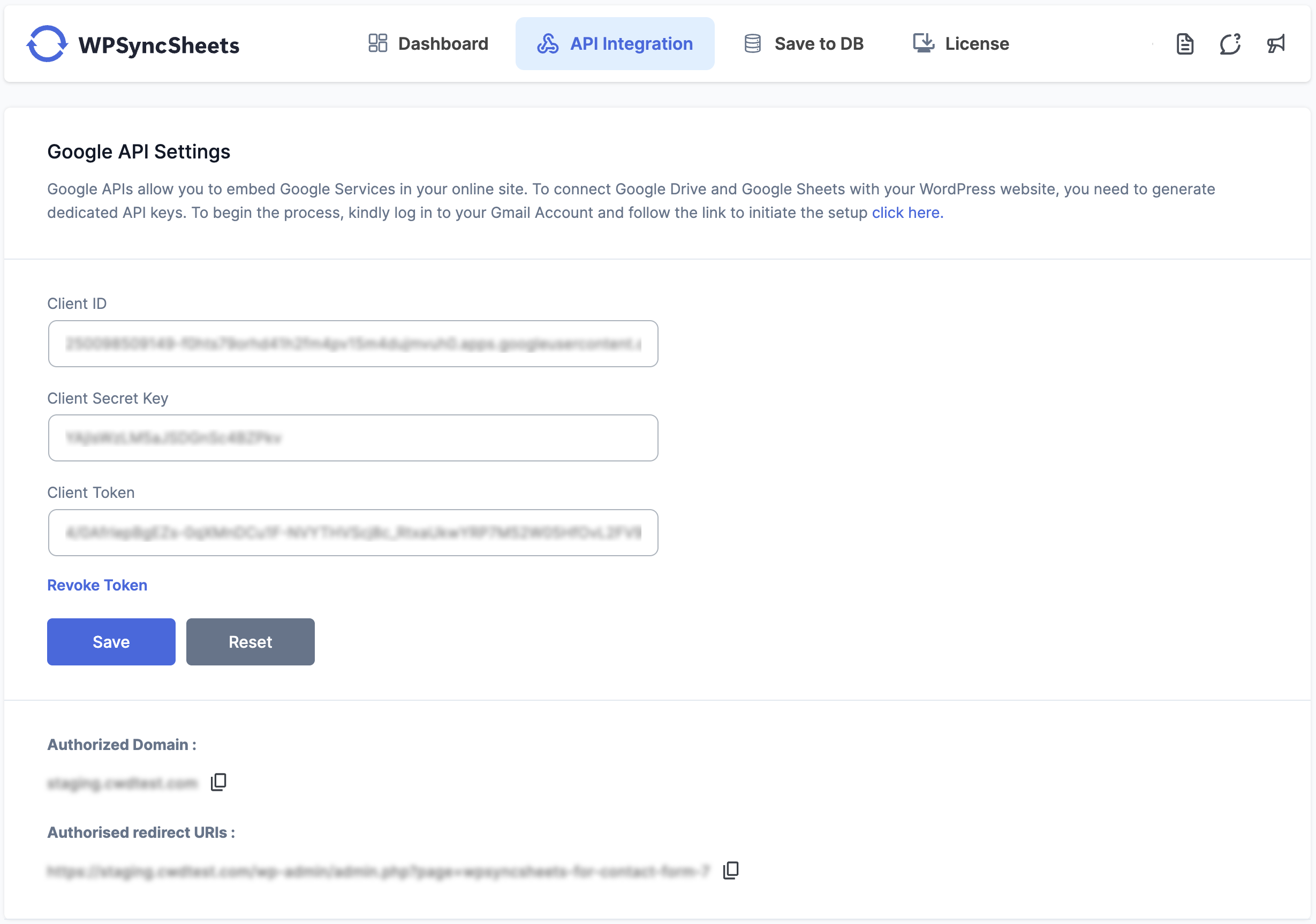
Revoke token at Google API Settings Page.
Check the Google Drive API must be Enable
No, We can’t reorder/add/edit the sheet header columns because it will be miss match the orders data
Please visit link Click Here.
Google might display a screen that says “This app isn’t verified. This app hasn’t been verified by Google yet. Only proceed if you know and trust the developer.” There’s no need to worry, though — the message is only referring to the app that you just created in your own Google account (so you are actually the developer in this case).

Can’t find an answer to your question? Search our knowledge base or get in touch via the contact page.
We care about your data privacy policy.







