Send your Elementor Form Submissions with Google Sheets Instantly. Automatically export Elementor form submissions to Google Sheets in real time. Eliminate manual updates, organize and analyze your data efficiently, and gain actionable insights from every submission. Streamline workflows, make data-driven decisions, and boost productivity with effortless automation.
Automatically collect and organize all your Elementor form submissions in Google Sheets. Save hours of manual copy-pasting with a one-time setup, eliminate repetitive tasks, and ensure accurate, efficient, and hassle-free data management so you can focus on growing your business.
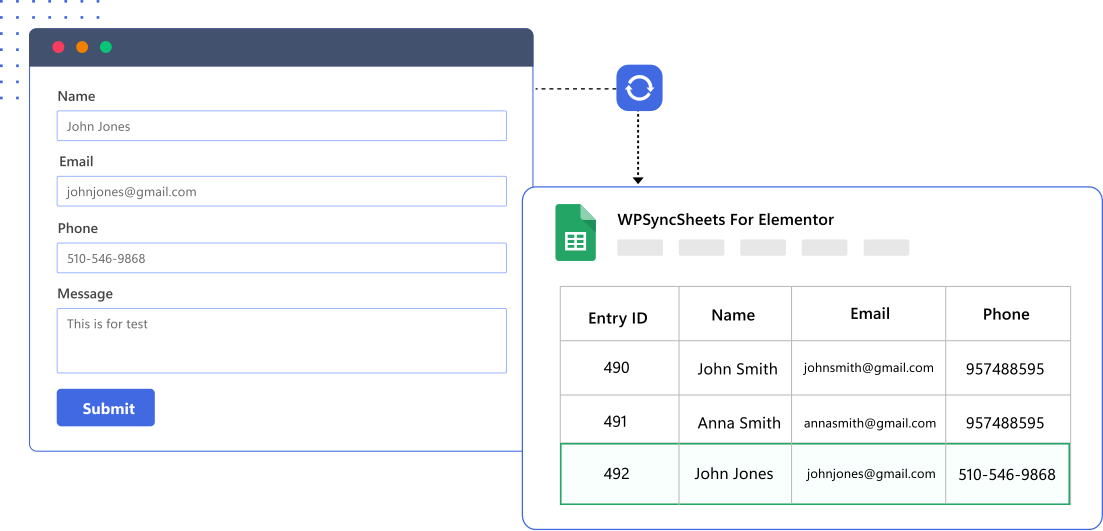
One-Click Integration: Sync Elementor Forms with Google Sheets Effortlessly

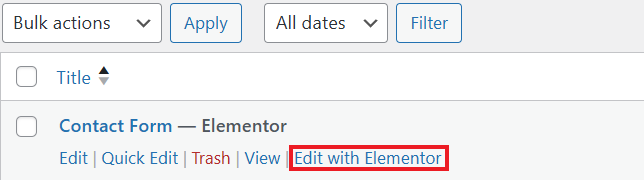
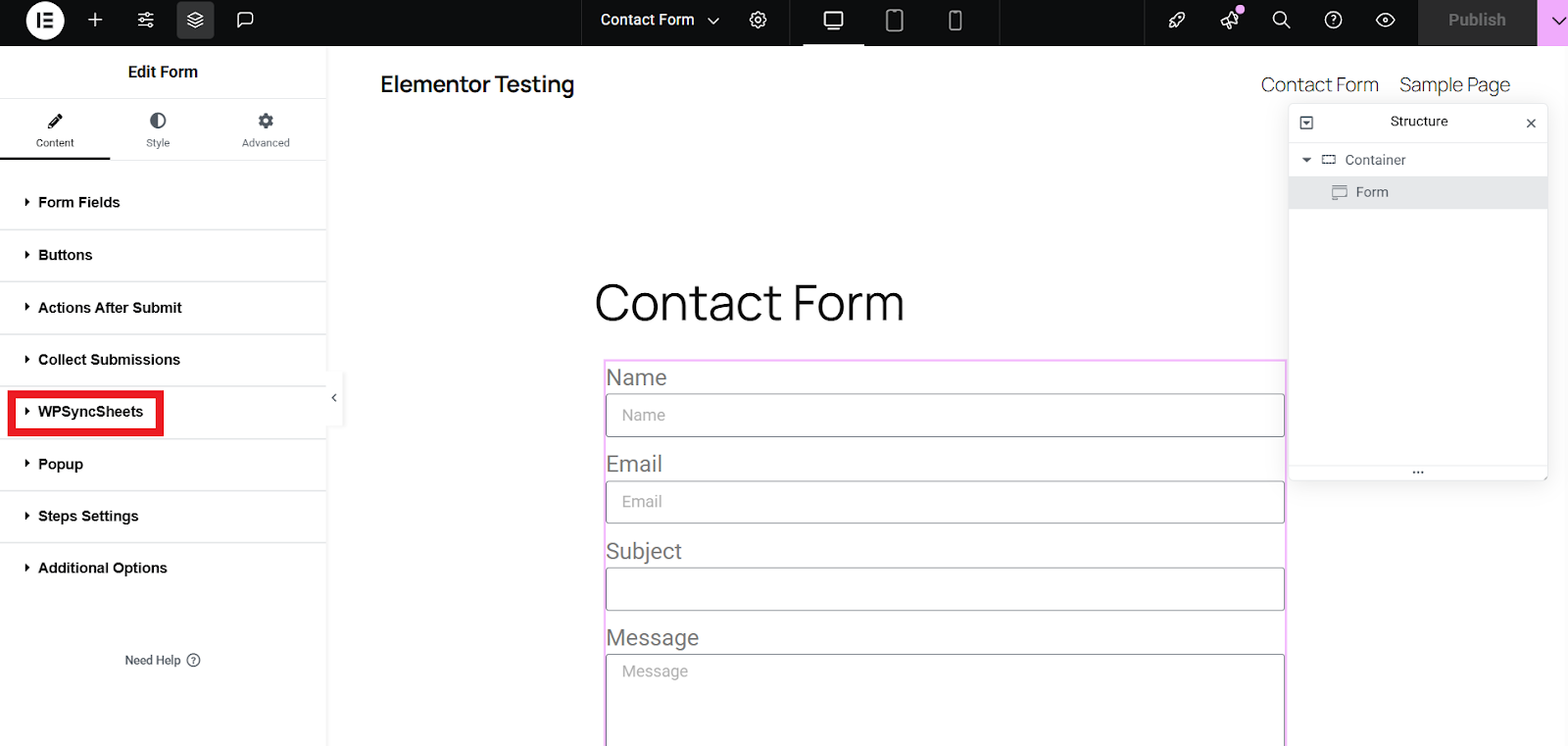
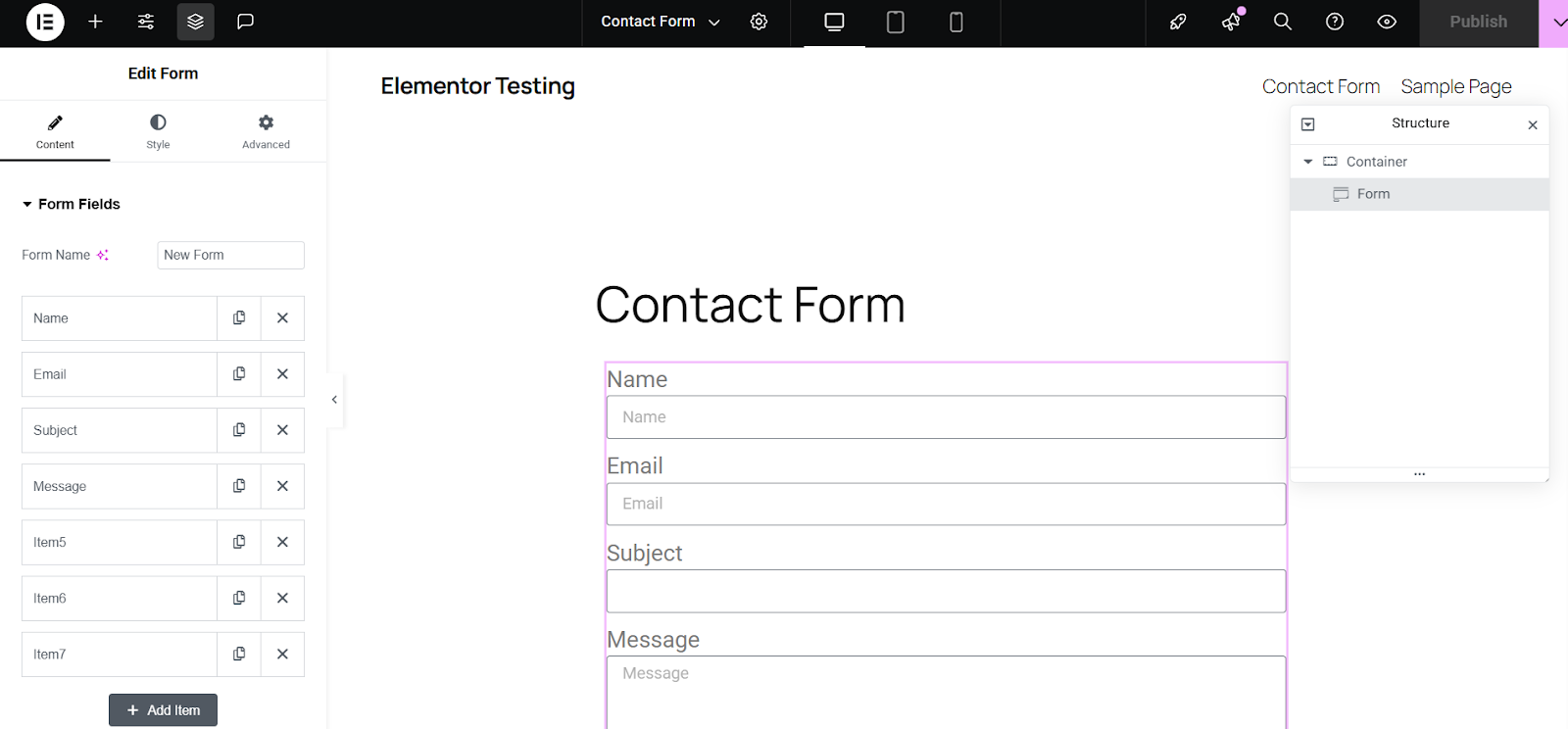
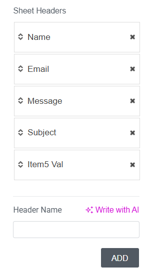
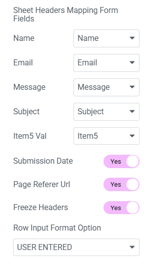
This intelligent system automatically creates sheet columns for form fields, allowing easy field mapping while offering manual mapping control.

Effortlessly create and customize an unlimited number of new data sheets, streamlining your workflow with just a few quick clicks.

Get complete control over the columns’ settings. You can add, edit, delete, and reorder sheet columns directly from the admin area.

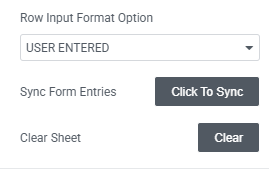
Get all options in one place. View, Clear, and Download your Google Spreadsheet with a single click from the plugin’s settings page.

Automatically adds a column displaying form submission timestamps, enhancing data tracking and analysis for better entry management.

Fully compatible with WordPress multisite network websites. Perfect for agencies, enterprises, and global businesses
View, clear, or download your connected Google Sheets right from the WordPress admin area. This makes it faster to manage your data, export for reporting, or clear old entries without needing to switch between multiple tools or tabs.

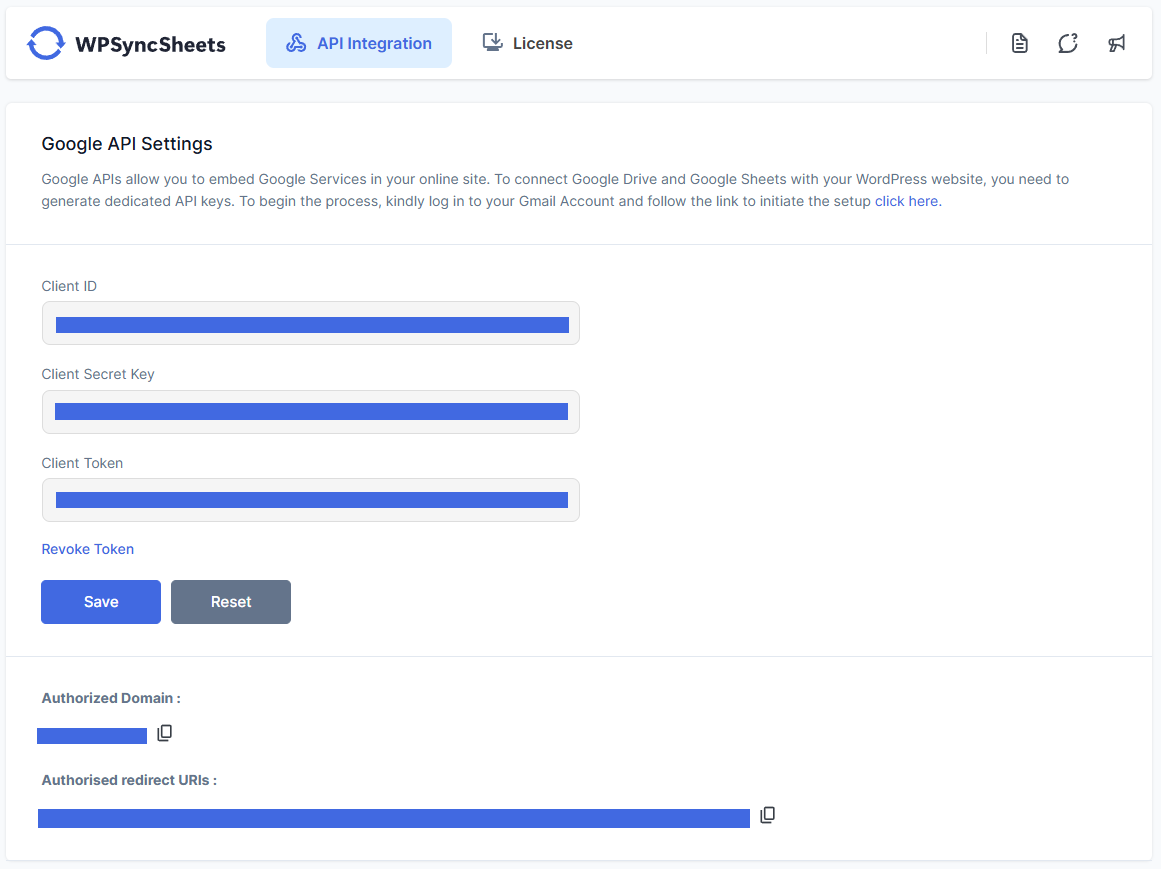
Connect safely using Google’s official OAuth authentication. Your data stays protected with industry-standard security while allowing seamless access between Elementor Forms and Google Sheets

No APIs, scripts, or technical skills required. Set up the integration in just a few clicks and start syncing Elementor Forms submissions with Google Sheets instantly.
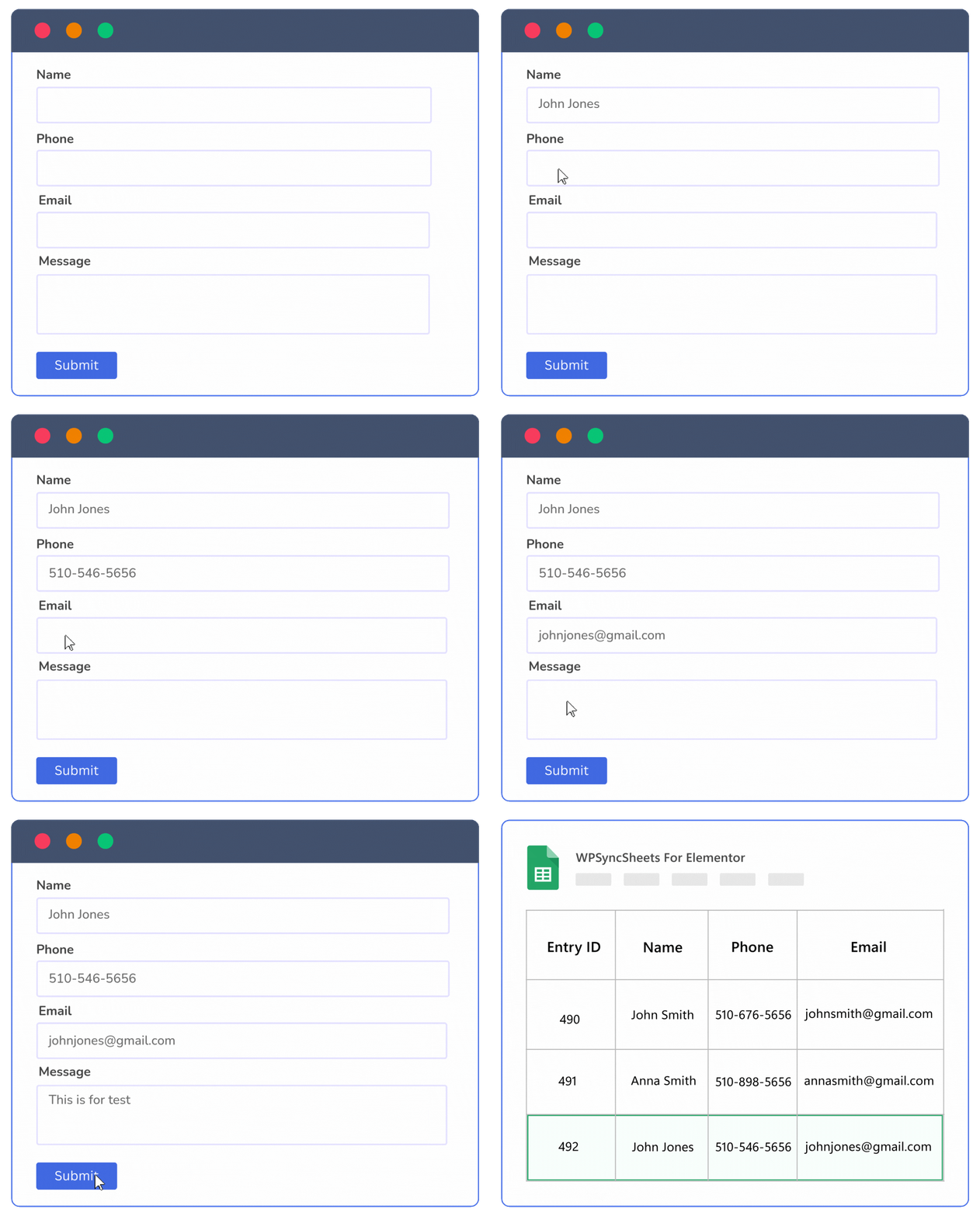
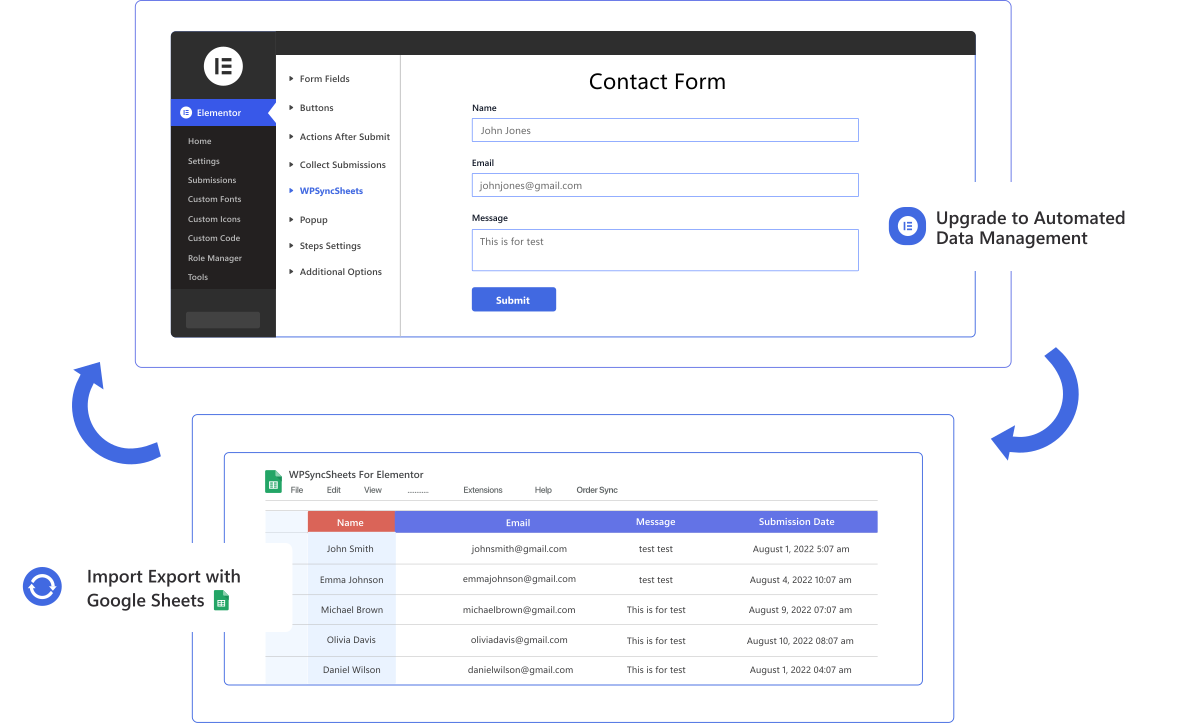
Instantly export and sync all Elementor form submissions to Google Sheets. Automate data collection, eliminate manual copy-pasting, and keep your form entries accurate and organized with a simple one-time setup.
Key Benefits:
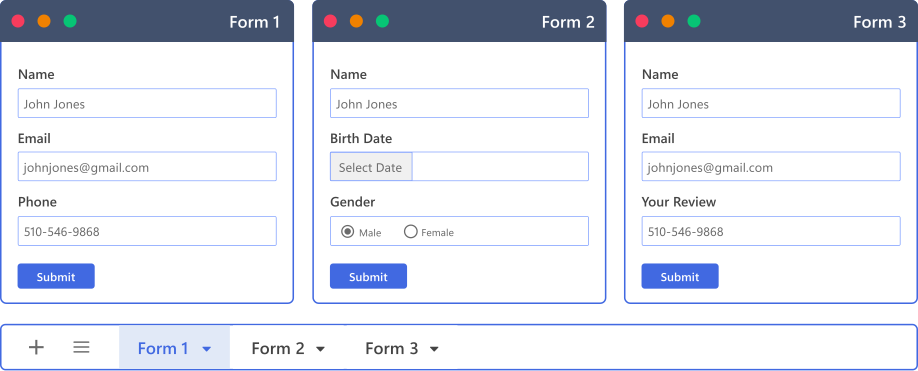
Sync multiple Elementor forms to separate Google Sheets for organized, easy-to-manage data. Each form can have its own sheet, making it simple to track, analyze, and manage submissions accurately.
Key Benefits:
Trusted by 200,000+ store owners to simplify daily Elementor export tasks.
Buy Plugin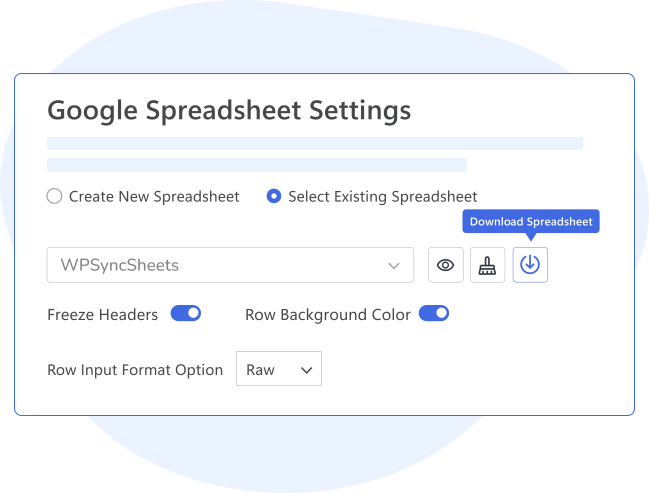
WPSyncSheets For Elementor gives you granular control over Google Sheet creation, formatting, and styling, so your form data is organized exactly the way you want.
Key Features:
 Top Rated 5/5 in 900+ reviews
Been looking for something like this now for months, and when found this plugin, it did exactly what I needed, it does exactly what it says it does, would highly recommend. Also, the support of the team who built the plugin is also very very good.

CEO, SEO Builder
Asked for help with syncing issues and some feature requests. Received a prompt reply and worked through my syncing issues with their expert guidance. They even added the requested features! Exceptional customer support and an incredibly easy-to-use plugin.

Marketing Head
We work with several plugin companies, but WPSyncSheets’ support stands out – prompt follow-up in under an hour! Their unique feature of synchronizing new editions without duplicating data in Google Sheets is a game-changer. No other plugin offers this!

CEO


If our plugin doesn’t work as promised, you’re backed by our 14-day refund policy to request your money back.
Read about our policy here.
Compare the features to find the best option for your website.
General Features
Free
Pro
Automatically Create New Google Spreadsheet
Automatcailly Create New Google Sheets
Freeze Headers (First Row of the Google Spreadsheet)
Download Excel & CSV
Automatically Clear Google Spreadsheet
Automatic Field Mapping
Enable/Disable Sheet Headers
Submission Date & Time
Update Sheet Headers Name (Spreadsheet Columns)
Sorting Sheet Headers (Spreadsheet Columns)
There are following ways to resolved this error:
Revoke token at Google API Settings Page.
Check the Google Drive API must be Enable
Please visit link Click Here.
No, We can’t reorder/add/edit the sheet header columns because it will be miss match the orders data
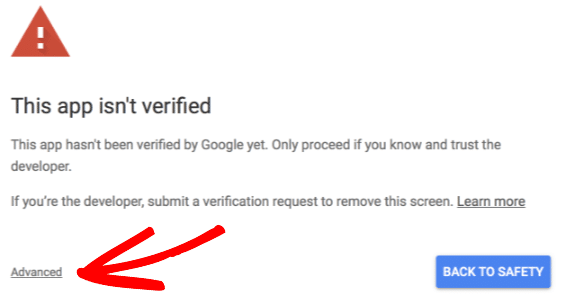
Google might display a screen that says “This app isn’t verified. This app hasn’t been verified by Google yet. Only proceed if you know and trust the developer.” There’s no need to worry, though — the message is only referring to the app that you just created in your own Google account (so you are actually the developer in this case).
To bypass this message, you’ll need click Advanced and then Proceed.

Can’t find an answer to your question? Search our knowledge base or get in touch via the contact page.
We care about your data privacy policy.







