Enjoy a Flat 50% discount for a limited time only! Grab the Deal

Enjoy a Flat 50% discount for a limited time only! Grab the Deal
 5 Star
  Lifetime
  14 Days
  24x7
24x7 
Integrate Google Sheets & WordPress with just a click – No coding skills required!
Easily import and export WordPress posts & pages data using Google Spreadsheets.
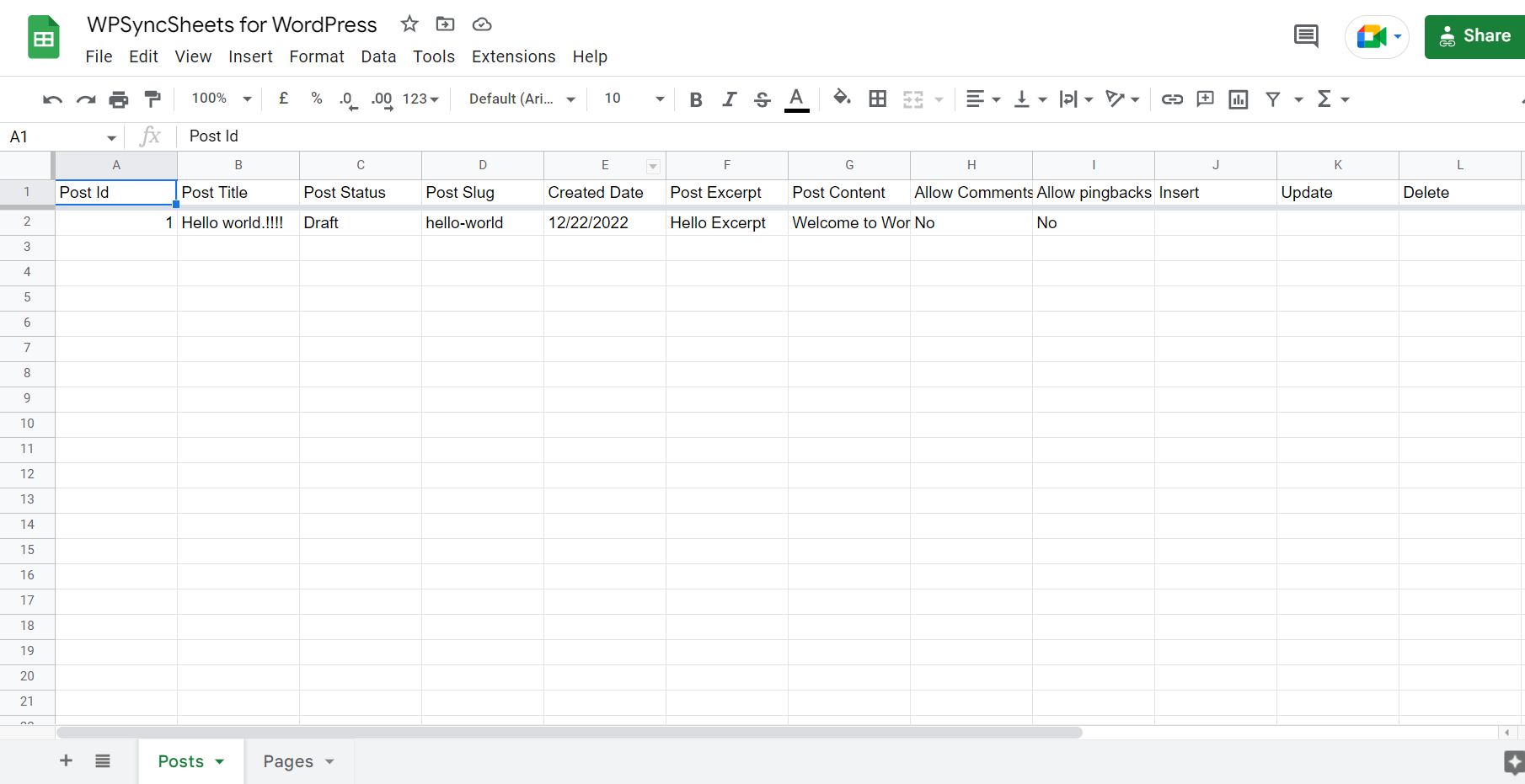
WPSyncSheets automatically creates Google Spreadsheets & Sheets to sync all your WordPress post data in it.
The Google spreadsheet can automatically sort columns as sheet headers from the plugin settings page without writing code.
WPSyncSheets automatically creates a single sheet in the spreadsheet based on the particular post type, making your work more accessible and manageable.
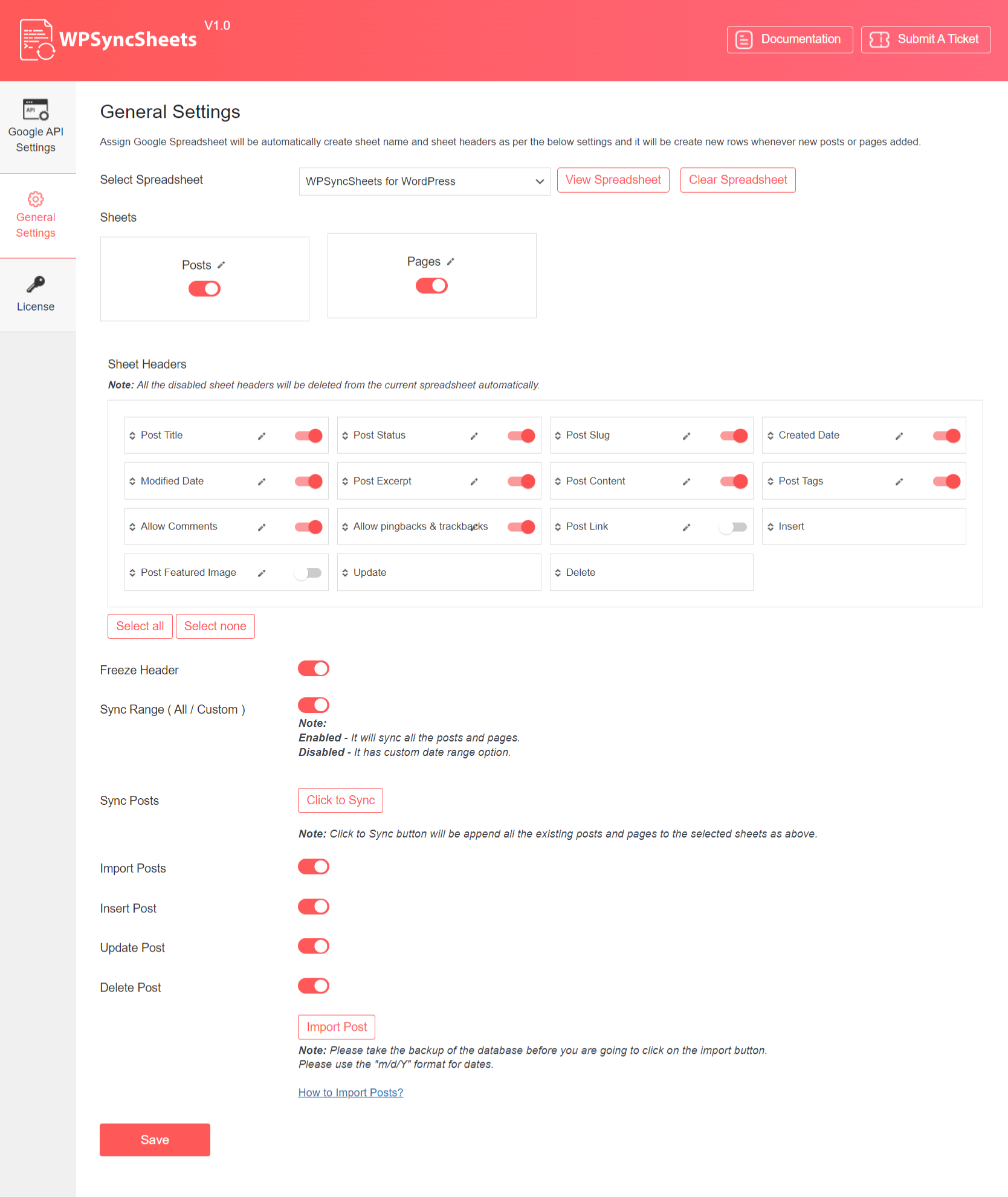
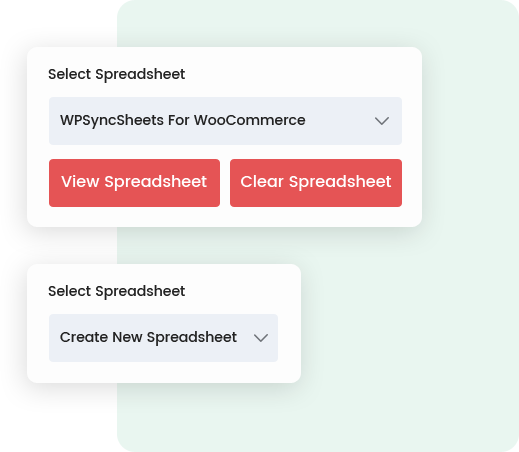
Get all options in one place. View and Clear your Google Spreadsheet with a single click from the plugin’s Settings page.
You don’t need to hassle with the plugin’s settings repeatedly. Configure the plugin once as per your needs, and you’re good to go.
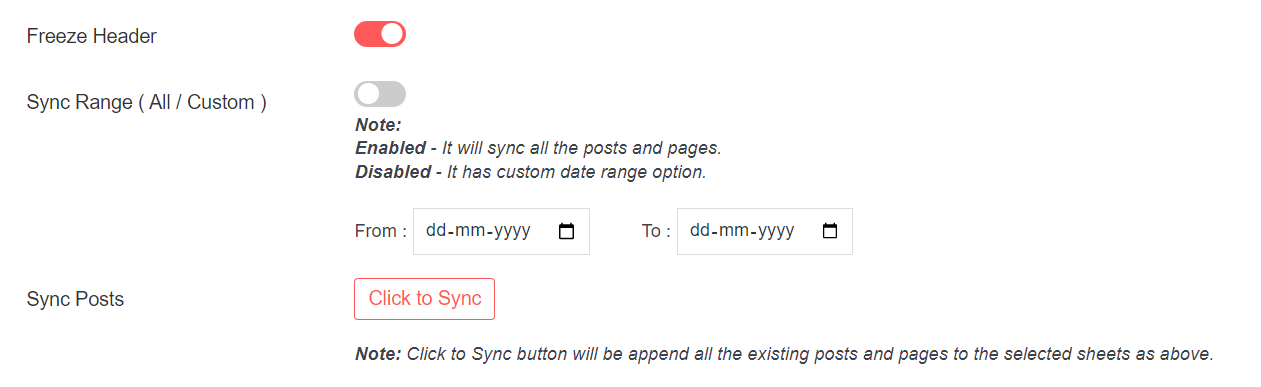
Freeze the first row to make your sheet more interactive and directly accessible from the plugin’s Settings page.
Get complete control over the columns’ settings. You can add, edit, delete, and reorder sheet columns directly from the admin area.
Just what I was looking for – an amazing tool, very easy to use and had a very quick support response to my queries… Highly recommended WooCommerce Google Spreadsheet plugin.

Founder
 5.0 Rating
It’s a game-changer and we love it. Just having the ability to sync all product data in a spreadsheet is a bit of a godsend. Thanks to everyone at WPsyncsheets.
Founder
5.0 Rating
Great plugin! And support was excellent and helpful! Now i can manage my orders in google sheets in a more automatized way.
Marketing Head
5.0 Rating
Fantastic support – asked the developer if it was possible to add support for another Woocommerce plugin, and within a few days they delivered with full support for the new plugin, and it’s not working perfectly.
Owner
5.0 Rating
Plug-in itself improves day by day. But the superior thing is customer support. They do their best and solved complicated problems even server-side things. I have figured out why these guys have a 5-star review all.
Head
5.0 Rating
Great support. Quickly solved all my problems, doubts and requests for customization. Quickly integrated the sending of important additional information from third party plugins from the woocommerce platform to my spreadsheet. Five stars support! Thanks!
Founder
5.0 Rating

We provide 24/7 support. You can troubleshoot your changes or questions via submitting a ticket.
SupportWPSyncSheets is a powerful tool to connect Google Spreadsheets with WordPress.
Here are the features that make WPSyncSheets the best import/export addon for WordPress.
WPSyncSheets is the top-notch addon to import and export your WordPress posts data in a single spreadsheet. It helps you automate your work by giving you flexible options to sync your post details with Google Spreadsheets.
The plugin comes with a powerful “Click to Sync” feature. With just one click, you’ll get all your post data fetched on a single spreadsheet.
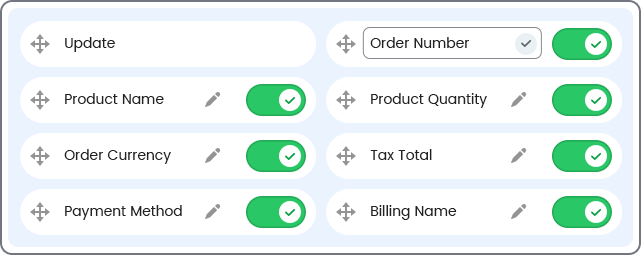
With WPSyncSheets, you can manage all your work in one place. Within the plugin’s settings page, you get options to customize your spreadsheet. You can add, edit, delete, and reorder columns in the sheet with just one click.
Further, if you want to rename header titles, you can also do that directly from the plugin settings area.
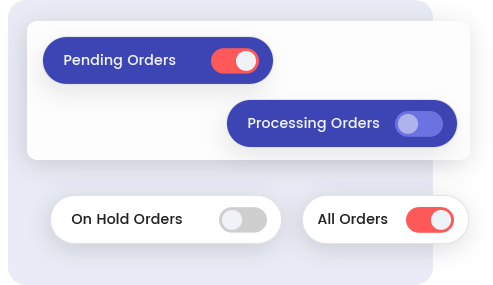
There are two default post types post and page provided by WordPress, which can be enabled or disabled by the users.
Collecting and managing data of each post type can be a cumbersome task, but with WPSyncSheets, you can manage all your post data like a professional. The plugin will create a single sheet in the spreadsheet for each post type, giving you clean and manageable data to work with.
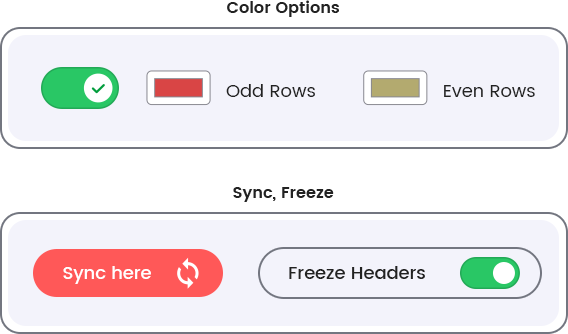
WPSyncSheets is a user-friendly and powerful Google Spreadsheet plugin for WordPress. It syncs all your posts data in Google Spreadsheets with just one click.
The freeze header option in the spreadsheet will allow the user to lock the first-row sheet header column so that when the user scrolls down or views the rest of their sheet, the first column remains on the screen and provides a clean, manageable view of the sheet.
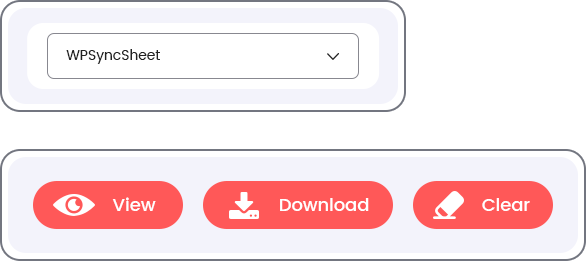
You get flexible options to control your spreadsheet data from the plugin’s Settings page. This will help you manage your work from one place only.
You can easily view the current spreadsheet from an easy option called View Spreadsheet on the general setting page.
If you want to clear all post data from the spreadsheet, there is an option to remove all the posts, i.e., Clear Spreadsheet.
Get your hands on the WPSyncSheet’s powerful features to professionally manage all your WordPress Post data.


We provide 24/7 support. You can troubleshoot your changes or questions via submitting a ticket.
SupportYes, You can synchronize the existing WordPress posts by clicking the “Click to Sync” button on the General settings page.
There are following ways to resolved this error:
Revoke token at Google API Settings Page.
Check the Google Drive API must be Enable
Please visit link Click Here.
No, We can’t reorder/add/edit the sheet header columns manually because it will be miss match the orders data
Google might display a screen that says “This app isn’t verified. This app hasn’t been verified by Google yet. Only proceed if you know and trust the developer.” There’s no need to worry, though — the message is only referring to the app that you just created in your own Google account (so you are actually the developer in this case).
To bypass this message, you’ll need click Advanced and then Proceed.